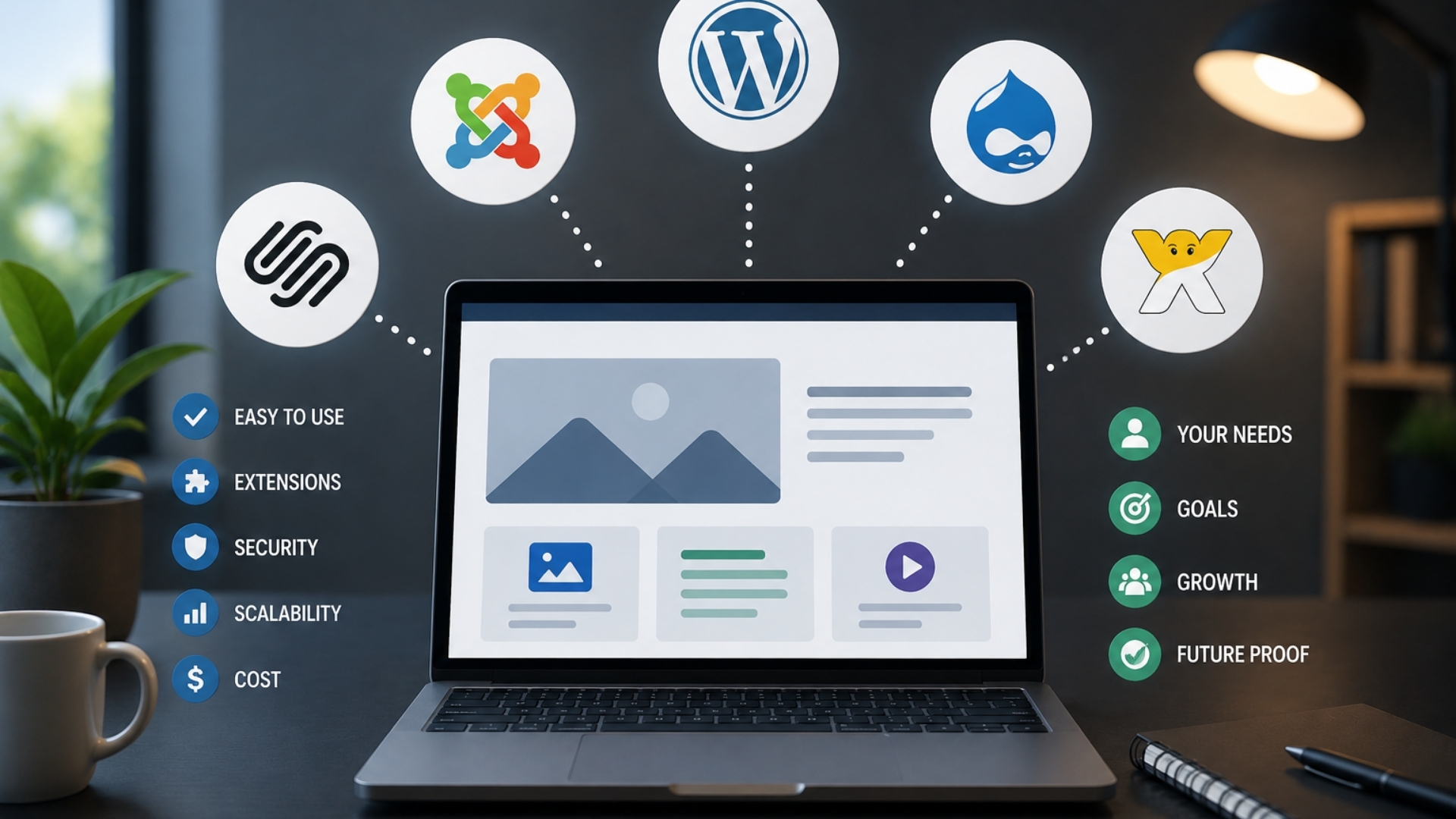
How to Choose the Right CMS for Your New Website
When you pick a CMS for your new website, you’re not just choosing software, you're shaping how your team creates, approves, and publishes content every day. It’s easy to get distracted by flashy features or big-name platforms, but the right choice starts with clear goals, realistic workflows, and an honest look at your tech stack. Before you compare vendors or pricing tables, you’ll need to answer a few uncomfortable questions…
Define Your CMS Goals, Audiences, and Content
Begin by clearly identifying who the CMS must support and what content it needs to manage.
Document all user groups, including site visitors, content editors, marketers, translators, product owners, and support teams.
For each group, specify the content types they interact with such as articles, FAQs, product pages, release notes, and alerts and the expected volume and frequency of updates.
Define workflow requirements in detail.
This should include role-based permissions, approval stages, content scheduling, and preview capabilities that reflect the final user experience across devices.
Design the content model early, covering custom content types, relationships between them (for example, products linked to documentation or FAQs), metadata standards, and version control needs.
Address globalization by listing target languages, regions, and any regulatory or cultural considerations that affect content.
Clarify how localization will be managed, including translation workflows, reuse of shared content, and support for regional variants.
Finally, align the CMS with omnichannel and data objectives.
Identify which channels (web, mobile apps, email, contact center, in-product messaging, commerce platforms) must consume content from the CMS.
Define integration points with analytics, CRM, and ecommerce systems so that content, user data, and performance metrics can be connected and measured consistently.
Understand CMS Types and When to Use Each
Once you’ve defined your goals, you can align them with an appropriate CMS architecture: traditional, headless, or hybrid.
Traditional (coupled) CMSs, such as WordPress or Drupal in their standard setup, connect content authoring directly to the presentation layer.
They're generally suitable for small to mid-sized teams that prioritize web-first publishing, prefer page-based editing, and don't require extensive omnichannel delivery.
Headless CMSs decouple content management from presentation and expose content via APIs.
They're typically a better fit when you have reliable developer resources and need to deliver content consistently across multiple touchpoints, such as websites, mobile apps, kiosks, and other devices.
This approach usually involves ongoing front-end development to support and evolve each channel.
Hybrid CMSs combine a page-oriented authoring experience with the ability to deliver content through APIs.
They're useful when you want traditional page-building for the primary website but also need flexibility to scale across multiple brands, regions, languages, or channels over time.
For a first website the decision is usually narrower than this taxonomy suggests: a hosted, closed platform where everything comes bundled, or self-hosted WordPress where you arrange hosting and own the whole stack. DotRoll's Wix vs WordPress comparison sets the two against each other on design freedom, SEO control, ecommerce, pricing and the point people tend to notice too late whether you can take your content with you if you leave. Useful grounding before widening the search to headless and hybrid options.
Match CMS Features to Teams and Workflows
Before comparing vendors or pricing, document how your teams actually plan, create, review, and publish content so the CMS can reflect those workflows rather than constrain them.
Identify who's responsible for drafting, editing, legal or compliance review, and final approval, and specify the permissions and access levels each role requires.
Align CMS capabilities with these requirements.
Useful features often include in-context previews to verify layout and messaging, scheduled publishing for coordinated releases, and version history with rollback to mitigate errors.
If you manage multiple content types with complex relationships such as products, articles, and regional variants, prioritize strong content modeling and structured schemas over basic page-building tools.
Consider multilingual needs early in the process, including translation workflows, regional tone and terminology, and different publishing schedules by market.
Finally, choose an editor experience that matches your teams’ actual technical skills and working patterns, rather than assuming they'll adapt to a significantly more complex interface.
Fit the CMS to Your Tech, Data, and Ecommerce
Treat your CMS choice as a core element of your technology stack, not just a content publishing tool.
Begin by aligning CMS architecture with your delivery needs: a traditional, coupled CMS such as WordPress is generally sufficient for single-site or simple web experiences, while headless or hybrid CMS platforms are better suited for multi-channel delivery, custom frontends, and more complex integration requirements.
Market share is a rough proxy for how easily you'll find developers, agencies and documentation later. W3Techs tracks CMS usage across the sites it monitors and puts WordPress at around 41% of all websites, with every other platform in low single digits worth weighing against a more specialised system that fits your content model slightly better on paper.
Evaluate the CMS’s data modeling capabilities in detail. It should support structured content types, relationships between content entities (for example, products, categories, and editorial content), and version history. These features are important for maintaining consistency, enabling reuse, and supporting personalized or dynamic experiences across websites, apps, and other touchpoints.
Assess how well the CMS supports omnichannel personalization and analytics. This includes the ability to capture analytics-ready data, segment audiences, and integrate with existing tools such as HubSpot, Marketo, Salesforce, Google Analytics, or Adobe Analytics through APIs or native connectors.
For ecommerce use cases, confirm that the CMS can either natively handle product catalogs, pricing, promotions, and checkout flows, or integrate reliably with ecommerce platforms such as Shopify or Salesforce Commerce Cloud. This ensures that content-driven experiences (like editorial content, landing pages, and personalized recommendations) can be closely linked with transactional workflows and customer data.
Compare Total Cost of Ownership, Not Just Price
A thorough CMS evaluation considers total cost of ownership (TCO) over multiple years rather than focusing solely on the initial license price. In addition to license fees, model at least three years of costs for implementation, content migration, training, and ongoing development.
For enterprise projects, overall costs frequently reach three to five times the license fee once migration complexity, customization, and developer support are included.
Migration effort is a significant component. Mid-size implementations often require 2-4 months, while large-scale moves can take 6 -12 months, depending on content volume, integrations, and legacy systems.
It's also important to account for “hidden” TCO factors. Headless-first architectures usually depend more heavily on developers for implementing and adjusting presentation layers, which can increase long-term development costs. Coupled or hybrid systems may reduce this dependency by enabling more changes to be managed directly by editors, potentially improving turnaround times for content updates.
Infrastructure and platform costs should be included as well, such as hosting, content delivery networks, monitoring, and backup.
For SaaS platforms, consider per-seat pricing, API usage limits, and overage charges.
Finally, factor in onboarding and training, which often require 4-8 weeks for teams to become productive with new tools and workflows.
Shortlist Vendors and Run Real-World CMS Demos
Shortlisting vendors turns an open-ended search into a structured evaluation. Narrow the list to 3 -5 options, typically 2 -3 DXP or hybrid platforms (for example, Brightspot, Sitecore, Adobe Experience Manager) and 1 -2 headless platforms (for example, Contentful, Contentstack). This range is usually sufficient to compare different architectural approaches without overextending evaluation resources.
Next, run a proof of concept based on realistic scenarios, such as a representative content type and, where applicable, multi-site and multi-language use cases. Ask vendors to demonstrate end-to-end editorial workflows, including role-based permissions, content preview, scheduling, and approvals, to assess how closely the system matches your governance and publishing needs.
Include at least one critical integration in the proof of concept for example, digital asset management, analytics, or translation services. Evaluate each vendor on the maturity of these integrations, the level of configuration or customization required, and the onboarding effort for your team. Use findings from these demos to estimate a three-year total cost of ownership, including licensing, implementation, training, maintenance, and likely enhancement work.
Choose a CMS That Supports Growth and Change
Because websites typically change more quickly than anticipated, it's important to select a CMS that can accommodate growth without requiring major replatforming every few years.
Look for a platform that supports multi-brand, multi-site, and multi-language publishing from a single instance so you can add regions and increase content volume without duplicating configuration and workflows.
Consider architectures that decouple content from presentation such as traditional CMS with APIs, hybrid, or fully headless approaches so you can redesign front ends or add channels (for example, mobile apps or kiosks) without rewriting existing content.
Assess total cost of ownership over at least three years, including licensing, implementation, customization, maintenance, and training.
Finally, evaluate the system’s integration capabilities and editorial tooling.
This includes APIs or connectors for key systems (e.g., CRM, commerce, analytics) and support for scalable workflows, including role-based permissions, version history, preview environments, and configurable approval processes.
These features help maintain governance and efficiency as teams and content operations expand.
Conclusion
When you choose a CMS, you’re not just picking software you’re designing how your team will create, approve, and grow content. Start with clear goals and workflows, then match them to the right CMS type and features. Make sure it fits your tech stack, data, and ecommerce plans, and compare total cost over time. Finally, test real scenarios with vendors so you pick a CMS that’ll scale and adapt with your business.